
recast ·
ReCast is live: put your friends in trending clips
Pick a trending clip, add a photo of whoever should be in it, and get the clip back with them in it. Memes, dances, movie moments. ReCast is now open to everyone.
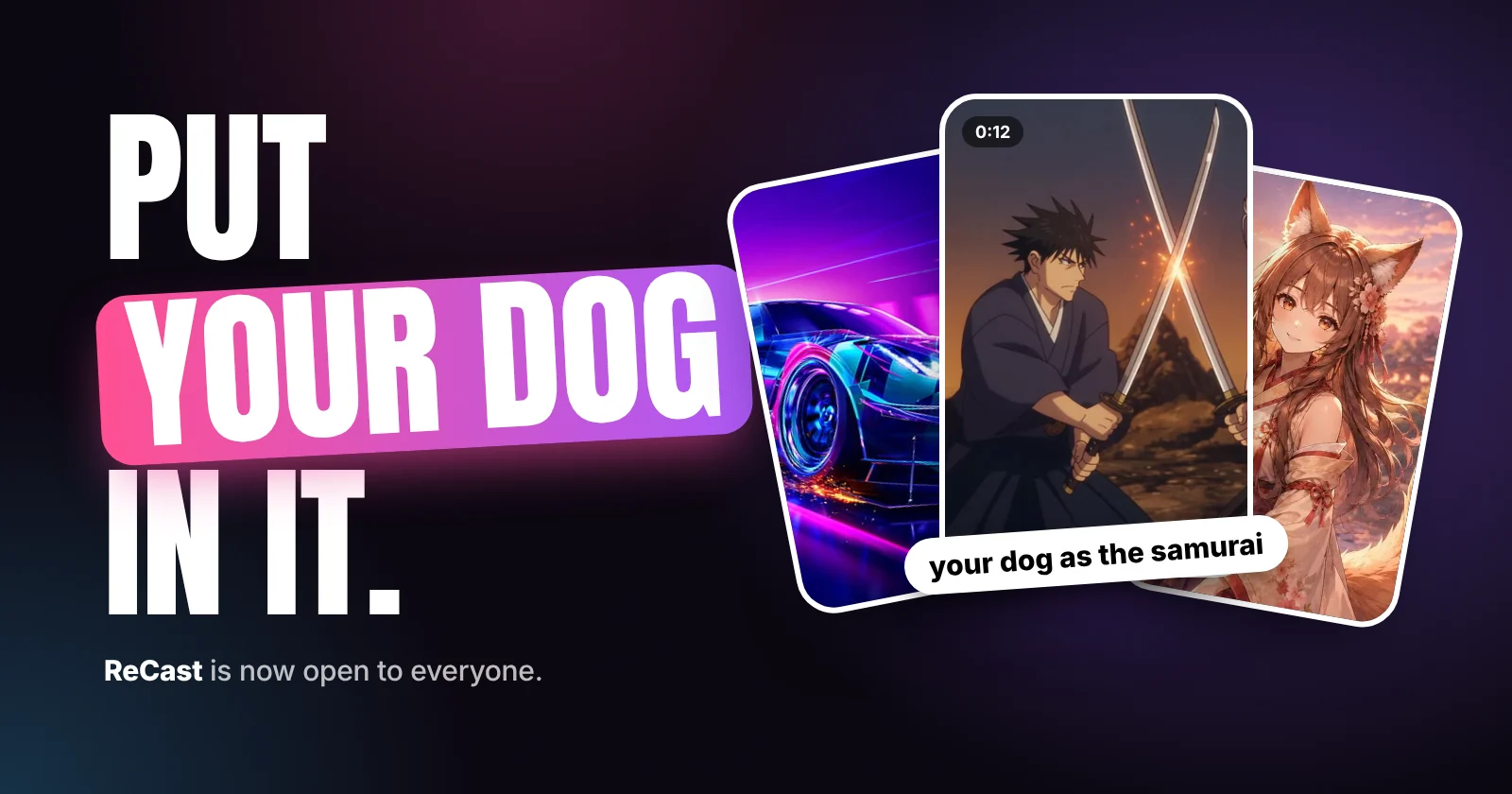
ReCast has been in a closed preview for a bit. As of today it's open to everyone.
It's a feed of trending clips: memes, dances, movie moments. You pick one, add a photo for each person in it, and a few minutes later you get the clip back with your friends in it. Or your mom. Or your dog.
You don't write a prompt or pick a model. We set each scene up ahead of time, so the only thing you decide is who's in it.
How it works
Open ReCast from the sidebar or the home page. Trending is sorted by what people are recasting the most, New has the latest scenes, and there are categories if you're after something specific.
Tap a scene to see who's in it. Some have one role, some have up to four. Add a photo for each and hit the button. It renders in the background, so you can keep browsing, and the finished clip shows up in your gallery.
If you want to change something else as well, there's an optional field for that: "it's pouring with rain", "everyone's wearing crowns", whatever. Most of the time you won't need it.
Longer scenes get split into shots behind the scenes, up to a minute in total. You still only add your photos once. Every shot renders with the same cast and we stitch them back together over the original soundtrack. If you close the tab halfway through, it still finishes.
Photos
A normal photo or selfie swaps the face, hair and skin tone, and keeps the outfit from the original clip. That's usually the funny part.
If you want the outfit to change too, use a character sheet instead: the same character from a few angles, like front, side and back. You can make one in the Image Studio or Character Studio.
Clear, well-lit faces work best. HEIC photos aren't supported yet, so if your phone gives you one, share it as a JPEG.
Pricing
Browsing is free and you don't need an account for it. Making a clip needs an account and credits, and the price is on the button before you press it.
Clips default to 480p, since they're mostly headed for a group chat. Some scenes let you go higher for a bit more.
If a render fails, your credits come back automatically. If something gets blocked by moderation, it's stopped before it runs and you're not charged.
Some rules
You need permission from anyone whose photo you use. No sexual content, nothing meant to embarrass or harass a real person, and don't pass it off as real footage. Clips of celebrities and other public figures will usually get refused. The full version is in section 7 of the Terms of Use.
What's next
We're adding new scenes every week. You can't submit your own yet, but if there's a clip you want in there, post it on r/Dreamfort.
- recast
- video
- announcement
- edit
- video studio
 Questions or thoughts? Bring them to r/DreamfortThe team and other DreamFort users answer there.