
AI character chat & roleplay
Live your wildest roleplay fantasies.
Any character, any scenario. Characters who stay in role, open on a scene and send you a photo or a short video of the moment, right in the conversation. Pick a ready-made character, find one from your fandom, or create your own.
- Free to start, no account
- Photos & video in the chat
- Create your own
Meet the cast
Characters with a life before you arrived.
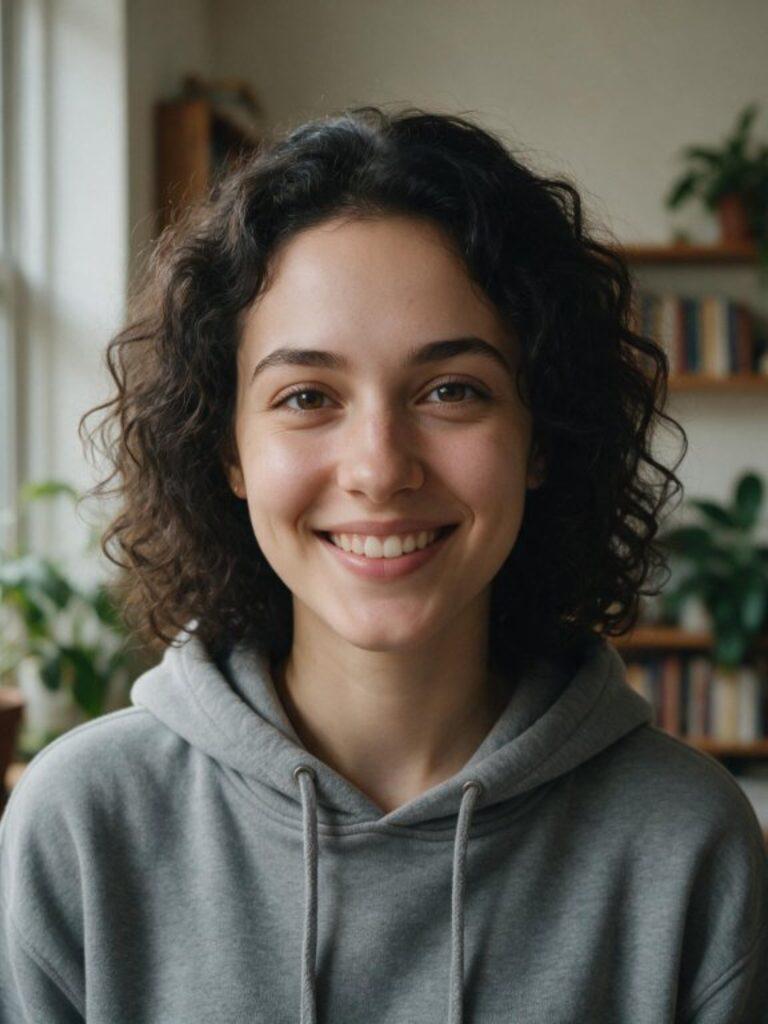
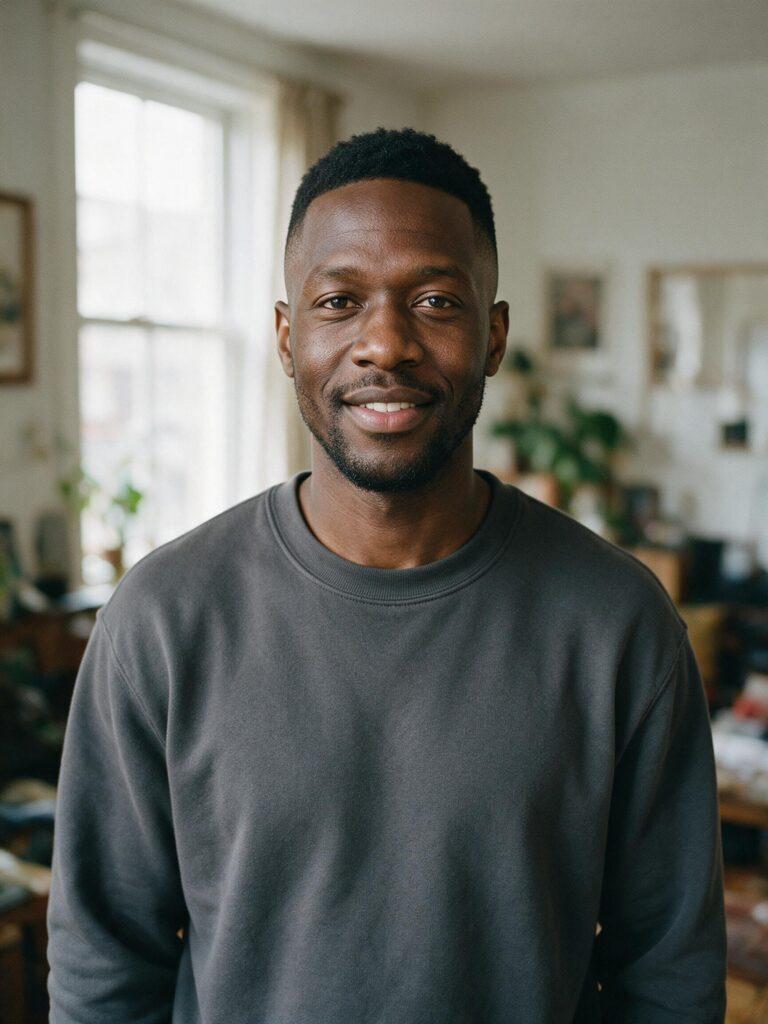
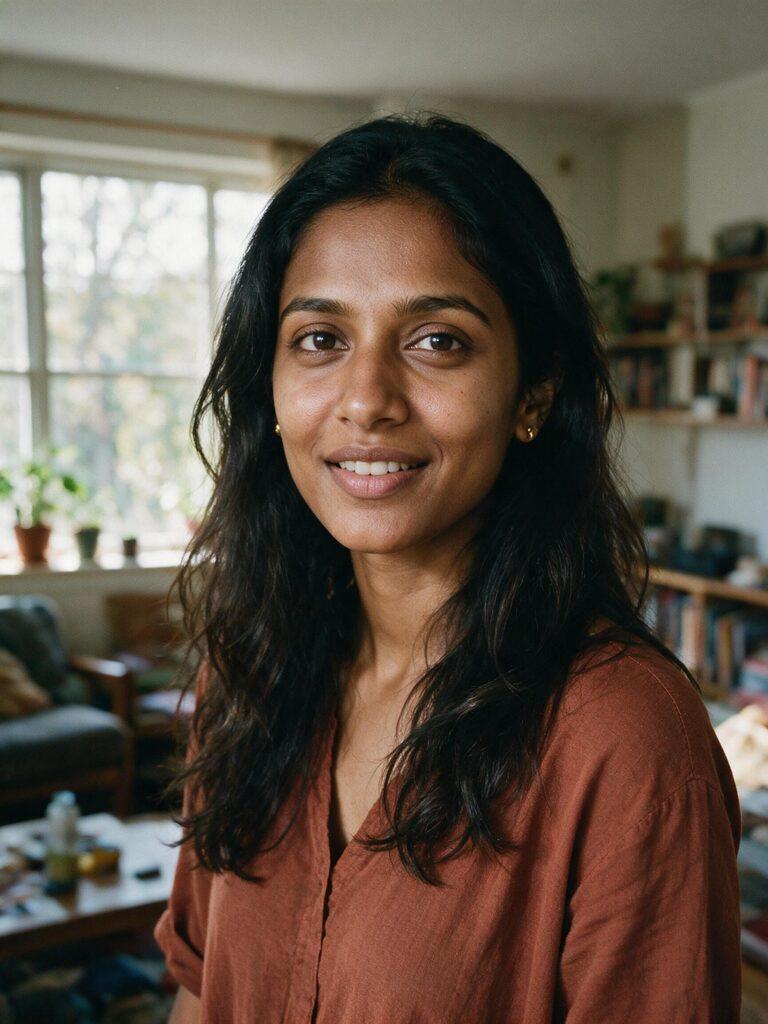
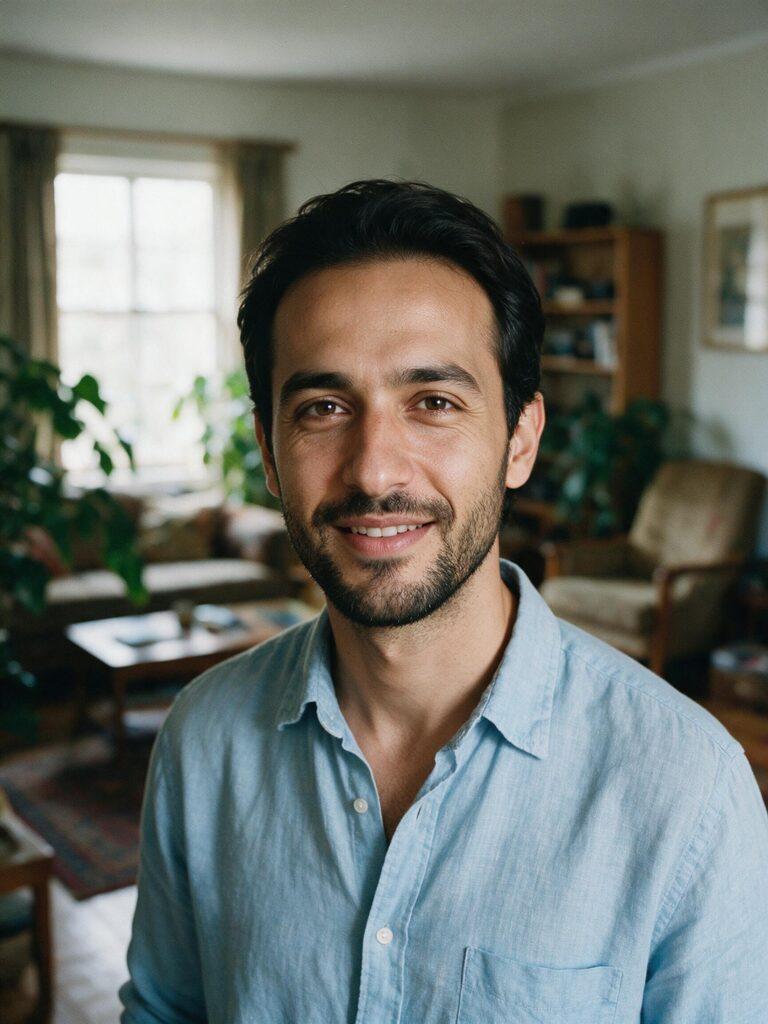
Every character has a personality, a way of speaking and scenes of their own, not a generic assistant in a costume. Start with one of these, or make someone new.



Or someone from your fandom.
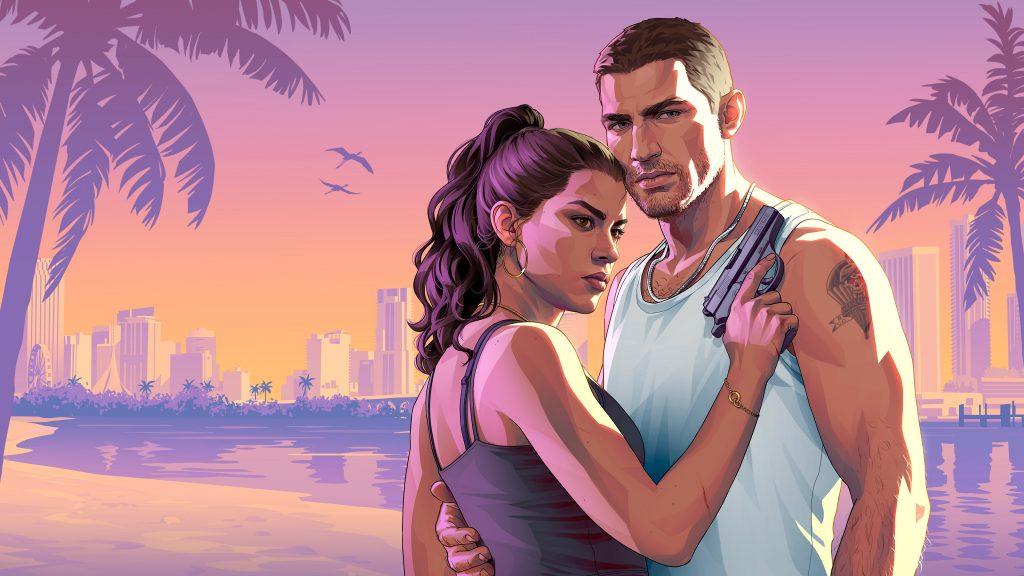
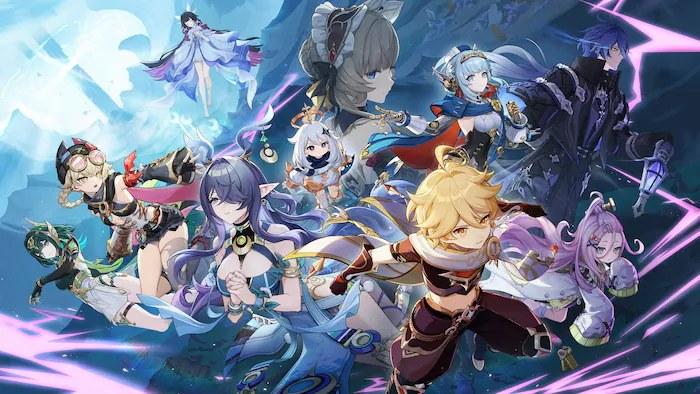
Fan-made characters from the games and anime you love, each with a page of their own.

AI roleplay, your way
Play the scene, then see it.
Talk, or write what you do between asterisks. When you want to see the moment, ask, and the photo or clip arrives in the conversation with the same face as every one before it.

Cynthia
After a long day
the door opens before you can knock Good timing, the kettle just clicked off. Sit. You've got the look you get when you've been carrying something all day.
drops onto the couch and kicks off my shoes
She sets a mug in your hands and folds herself into the other end of the couch. There. Now you're not allowed to leave until you've told me one good thing and one bad thing.
Good thing first: you. Send me a photo of the porch light?
- Photo
So you can find your way back next time.
How it works
From a first line to a finished scene.
- 1
Pick a character, or create one
Start from the ready-made cast or a fandom, or give your own a portrait, a look, a personality and the place every conversation starts.
- 2
Open on a scene
Each character starts mid-moment: a porch light at night, a kitchen at 2am, a rooftop set. Ready-made characters have several scenes to choose from.
- 3
Talk, or act
Say something, or write what you do between asterisks. The character plays out how it lands, then hands the moment back to you.
- 4
See the moment
Switch to Image or Video and ask. The character sends a photo or a short clip of the scene you're in.
What’s inside
Everything an AI character chat should have.
A scene to start in, a consistent face, a voice that fits, and the tools to make your own characters.
A face that stays the same
Every photo and clip is drawn from the character's own reference images, so the person in the tenth photo is the person from the first.
Photos and video in the chat
Ask for a photo or a five-second clip of the scene and it arrives in the conversation. A photo comes with a line from the character.
Scenes, not blank chats
Characters open on a scene with your part in it already cast, and the first line is written for that scene.
Three ways to speak
Just dialogue, like texting. With asides, short italic actions between the lines. Or like a novel, in full prose.
Characters you create
Write a name, a look, a personality, a first message and a setting, add up to three photos, and talk to them whenever you like. They're private to you.
Characters from your fandoms
Fan-made casts from games and anime, each on a page of their own, ready to chat the same way.
Stories to play
AI roleplay for every kind of story.
Private by design
Your stories are yours.
Conversations are saved encrypted in your browser, and requests go through relays that keep who you are apart from what you write. No prompt logs tied to you, and no sign-up to start.
How privacy works- Conversations encrypted in your browser
- No account needed to start
- No prompt logs tied to you
FAQ
AI character chat, answered.
What is AI character chat?
AI character chat is a conversation with a fictional character played by an AI model: it has a name, a personality, a setting and a way of speaking, and it stays in that role while you talk. In Character Studio every conversation opens on a scene, and the character can send you a photo or a short video of the moment.
How is it different from a normal chatbot?
A chatbot answers questions. A character answers as someone: it opens mid-scene, acts in italics, and has wants of its own. You can act too: write what you do between asterisks, like *opens the door*, and the character plays out how it lands before answering.
Can I create my own AI character?
Yes. Give the character a portrait and up to two more photos, describe how they look and who they are, write their first message and where the conversation starts, and choose how they speak. Characters you create are private to you.
How do characters speak?
Each character speaks one of three ways: just dialogue, like texting; with asides, where they talk and act in short italics; or like a novel, in full narrative prose.
Can characters send photos and videos?
Yes. Switch the composer to Image or Video and ask, and the character sends a photo or a five-second clip of the scene you're in, drawn from their own reference images so their face stays the same.
Are there characters from games and anime?
Yes. There are fan-made characters from GTA 6, Genshin Impact, Jujutsu Kaisen, each with a page of their own cast. They are fan-made, and not affiliated with or endorsed by their creators or rights holders.
Is it private?
Conversations are saved encrypted in your browser, and requests go through relays that keep who you are apart from what you write. There are no prompt logs tied to you, and you don't need an account to start.
How much does it cost?
Free messages to start, no card and no account. After that, messages, photos and clips are paid per use from a credit balance, priced before you spend: 1,000 credits is $1, packs start at $10, and there is no subscription.
Someone is waiting on the other side of the door.
Pick a character and open the first scene. Free to start, no card, no account.