
video ·
Continuity Is the Whole Game: Keeping an AI Film Consistent Shot to Shot
We made two short films on DreamFort in a week. Every shot looked good on its own; the work was making them look like one film. How we kept faces, frames, props, screens and sound consistent from cut to cut, with the real before-and-afters.
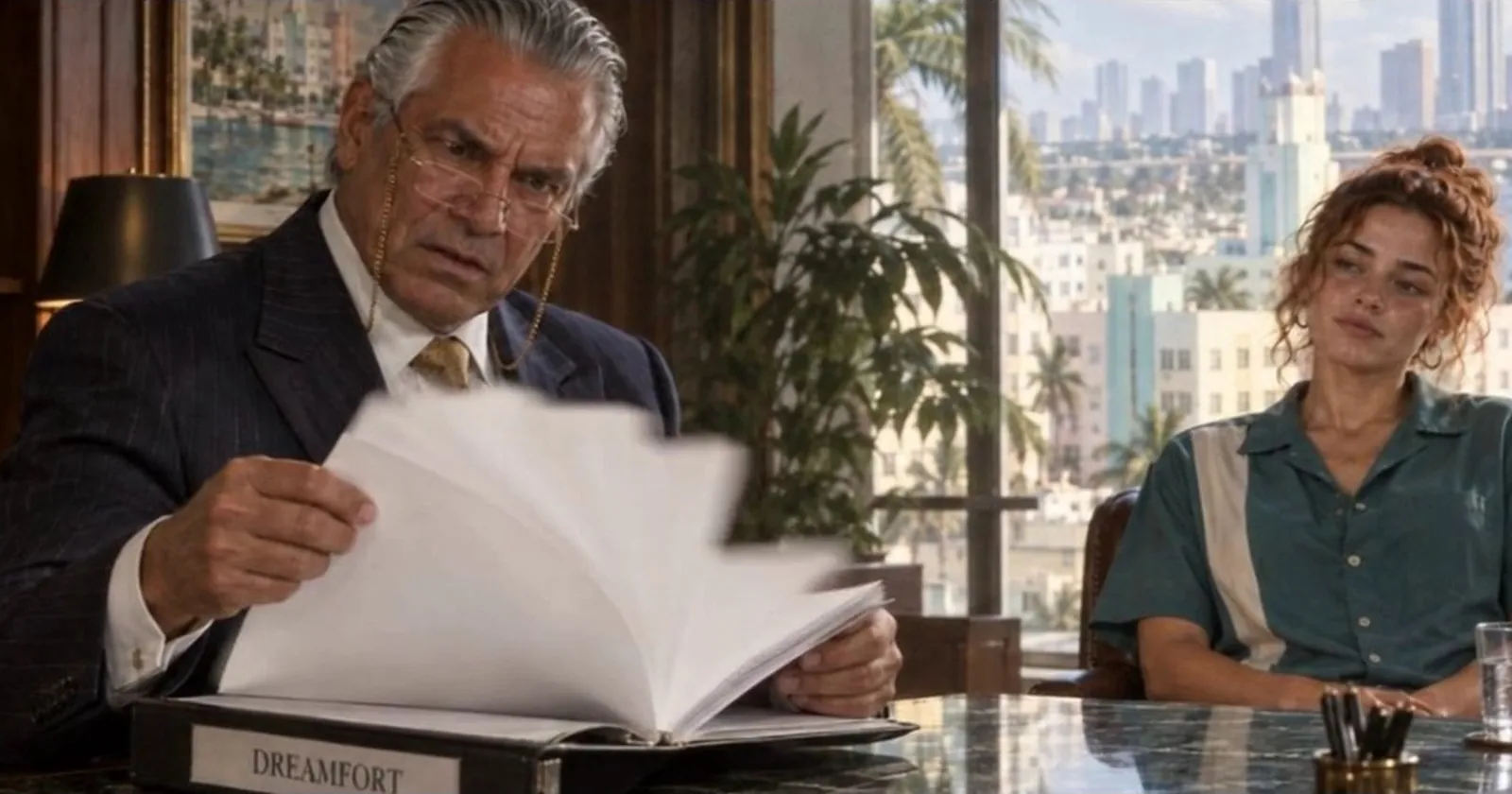
We made two short films on DreamFort in a week. Every shot looked good on its own. The real work was making them look like one film. Here is how DreamFort's tools keep faces, frames, props, screens and sound consistent from cut to cut.
First, the outputs.
1. Grand Theft Autocomplete, a GTA-style teaser for DreamFort:
Ask like no one's watching. dreamfort.ai
OpenGradient (∇, ∇) (@OpenGradient) · September 28, 2026
2. The Proof, a story-led animated short for DreamFort:
Just use Dreamfort.
OpenGradient (∇, ∇) (@OpenGradient) · September 25, 2026
I ran the whole production out of one Claude Code session. The agent drew the frames, drove the browser, reviewed every take and built the edit. I directed and gave notes, which is genuinely what it felt like.
The stack
Both films were made on DreamFort with the same three pieces:
- Image Studio, with GPT Image 2.5. Every still: character sheets, the first and last frame of each shot, close-ups, and any screen that has to be readable.
- Video Studio, with Seedance 2.5 Unfiltered. Every shot, through the References tab: up to 30 images per clip, a timecoded prompt, and dialogue and sound rendered in the same pass.
- Claude Opus 5.5 as director. Storyboard, shot list, every prompt, and a frame-by-frame review of every take.
A video model doesn't remember anything between clips. Every shot starts from scratch. Continuity has to live in what you hand it, and the References tab is where that happens.
Part 1: Lock identity before you render
Start with one character sheet per lead and attach it to every shot that character is in. Then give each reference exactly one job in the prompt. If you don't scope it, the model borrows the sheet's pose, background and light too.
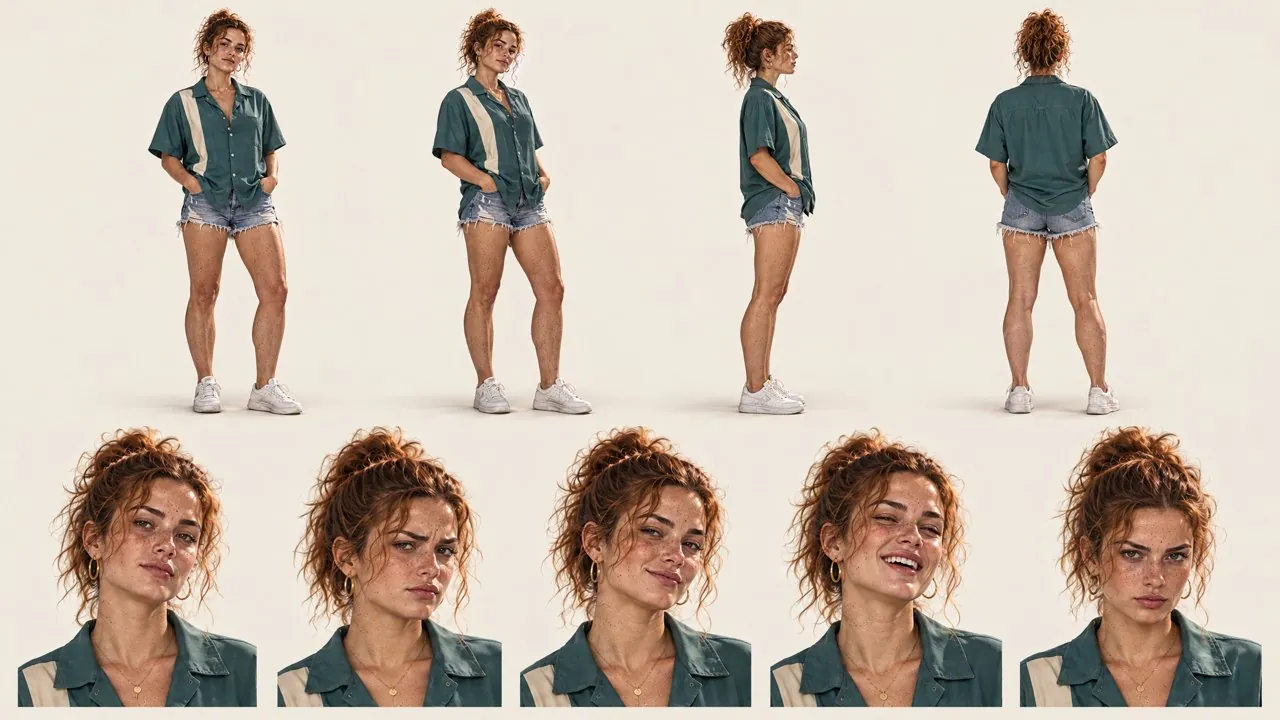
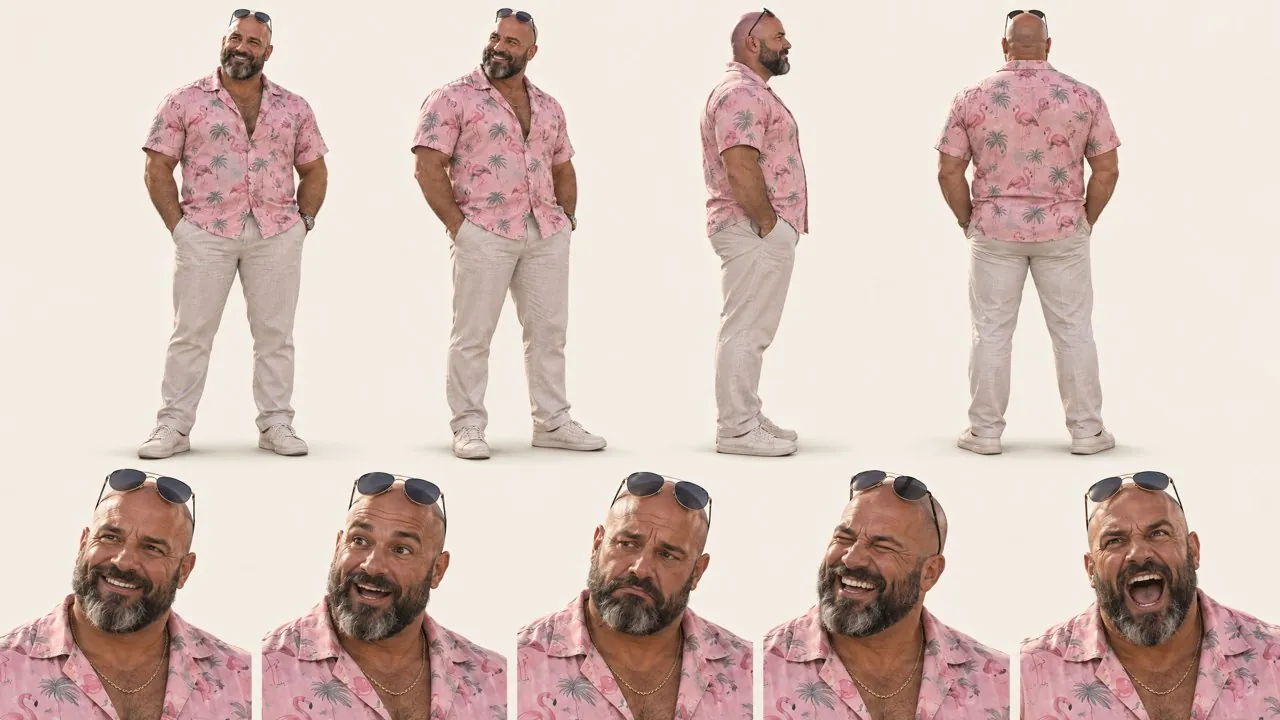
The two leads of Grand Theft Autocomplete. Front, side and back views plus face close-ups, made in Image Studio and attached to every shot they appear in.
When a face drifts, fix the frame, not the prompt
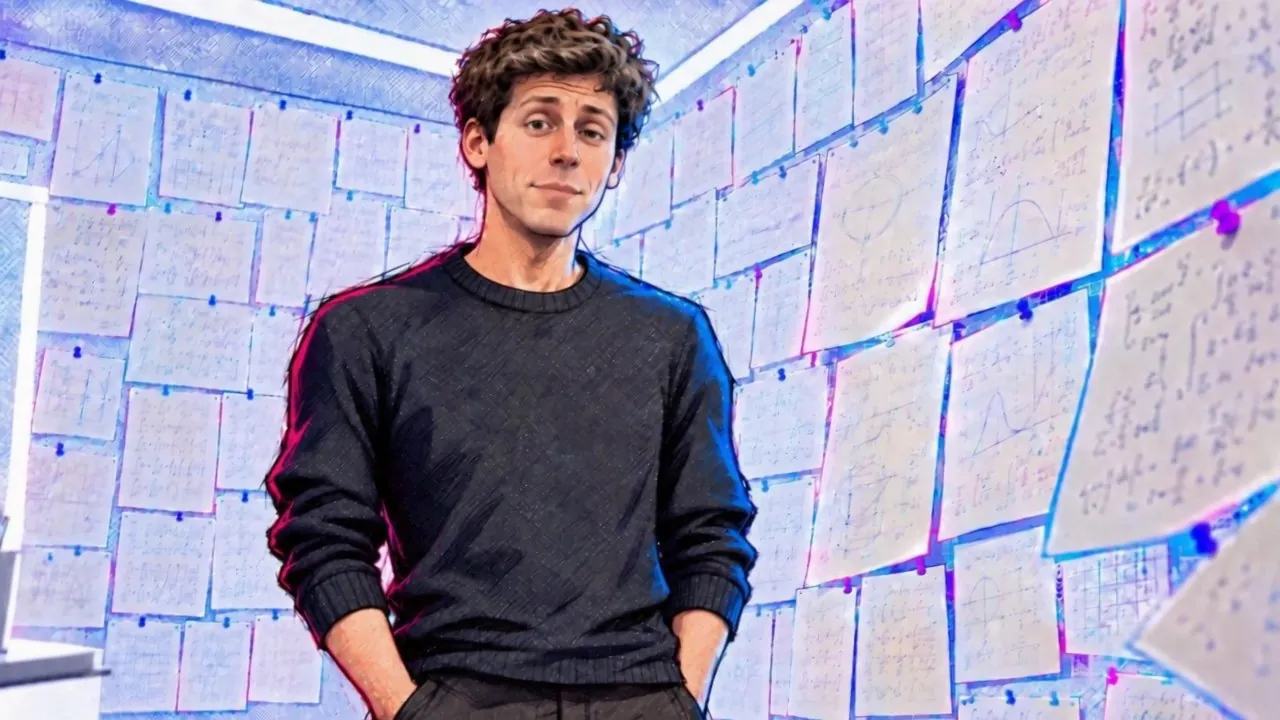
Late in The Proof, Sam Altman came back with a thinner, older face. The drift was already in the keyframes we'd drawn. We redrew only his face in those keyframes, using frames from earlier shots as the guide, and added a tight face close-up as a fourth reference.
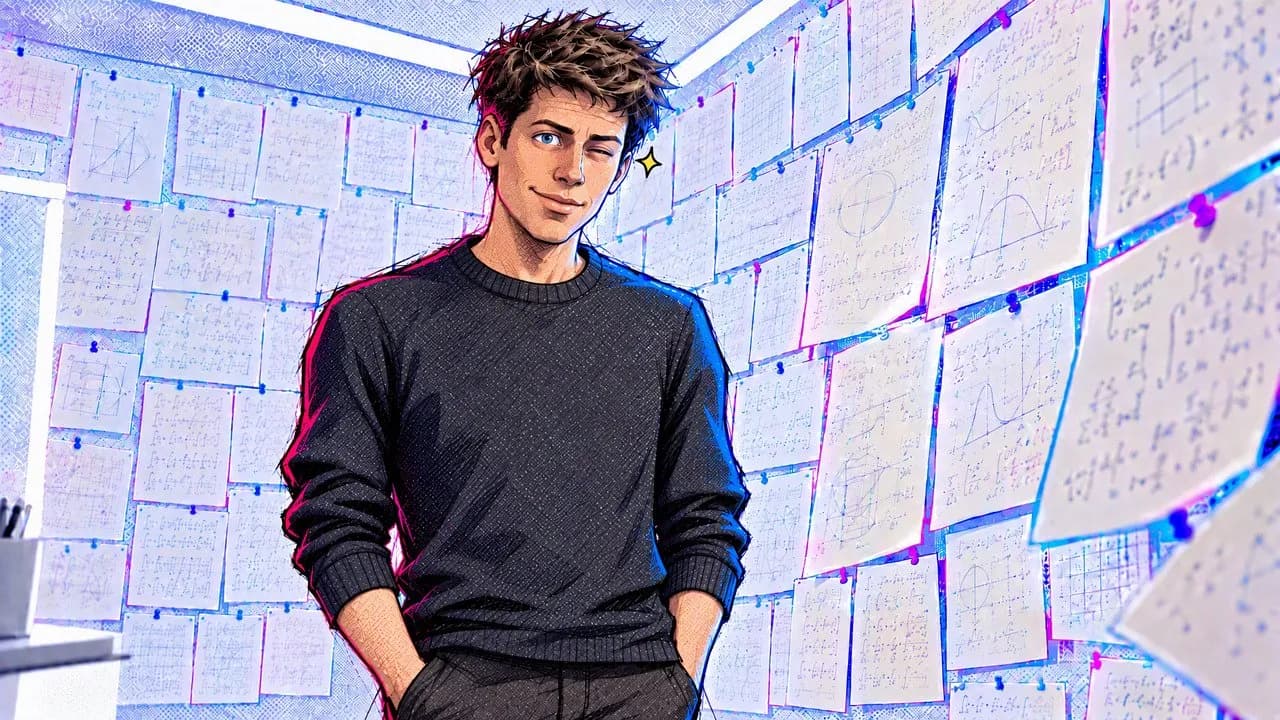
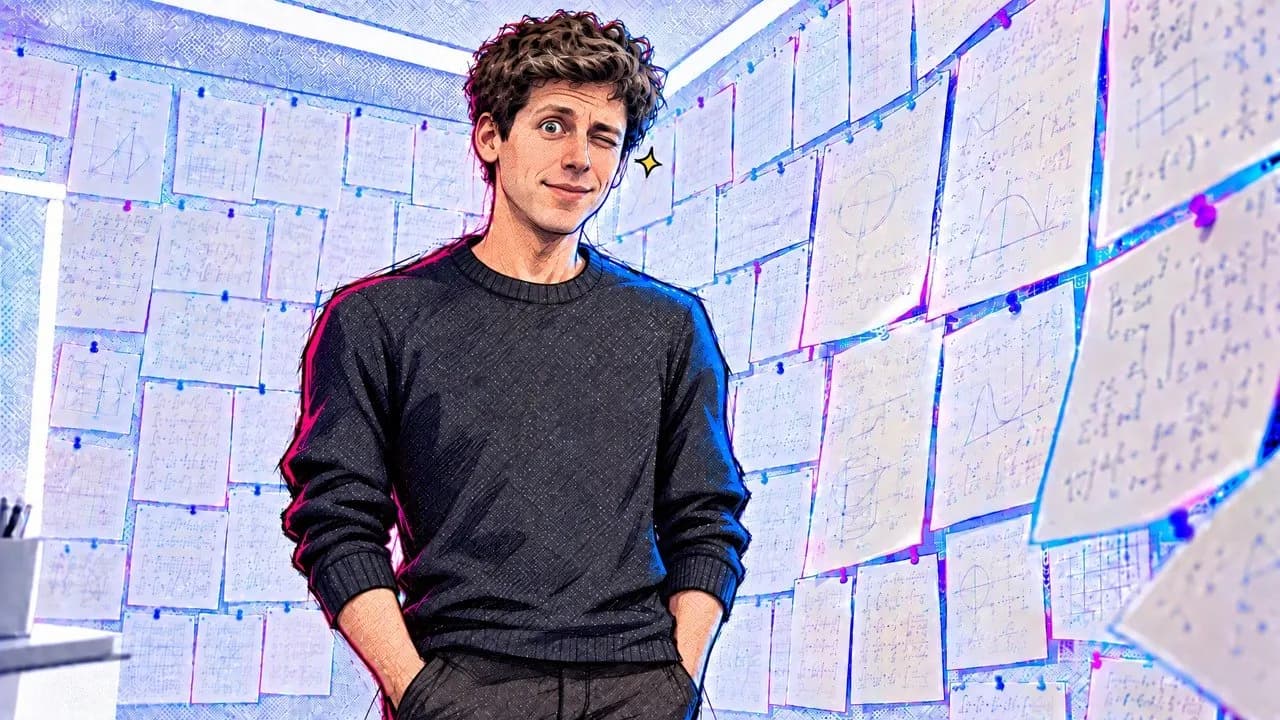
Same pose, room and light; only the face changes, so he matches every other shot he's in.
Part 2: Draw both ends of every shot
Upload the first frame and the last frame of each shot, drawn from the same camera a few seconds apart, and say so plainly:
Image 1 is the first frame, and Image 2 is the last frame.
Then write what happens in between, one whole second at a time.
The last frame decides the performance
The prompt said Will "turns toward the TV". The last frame had him facing the camera, so he turned to the camera. Redrawing that one frame fixed it on the next render.
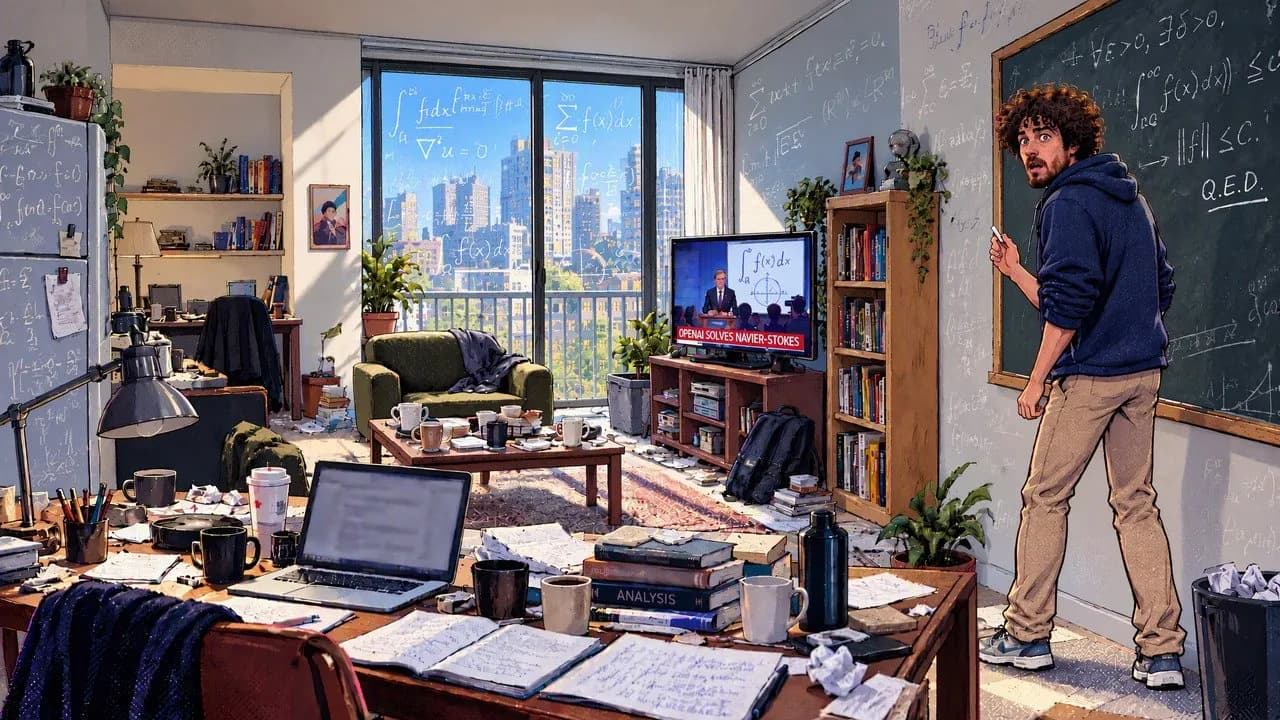
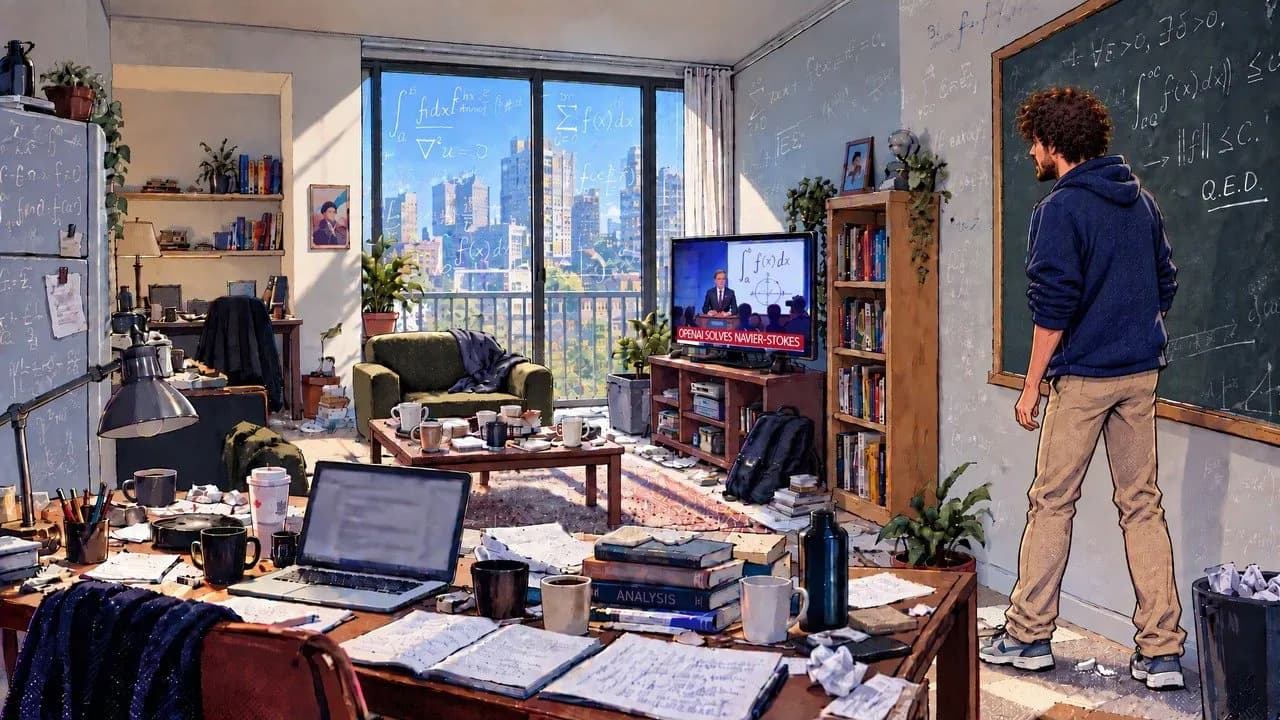
On the right, his head is turned in profile to the TV and the chalk lies broken on the floor. The render followed it.
Check the opening frames
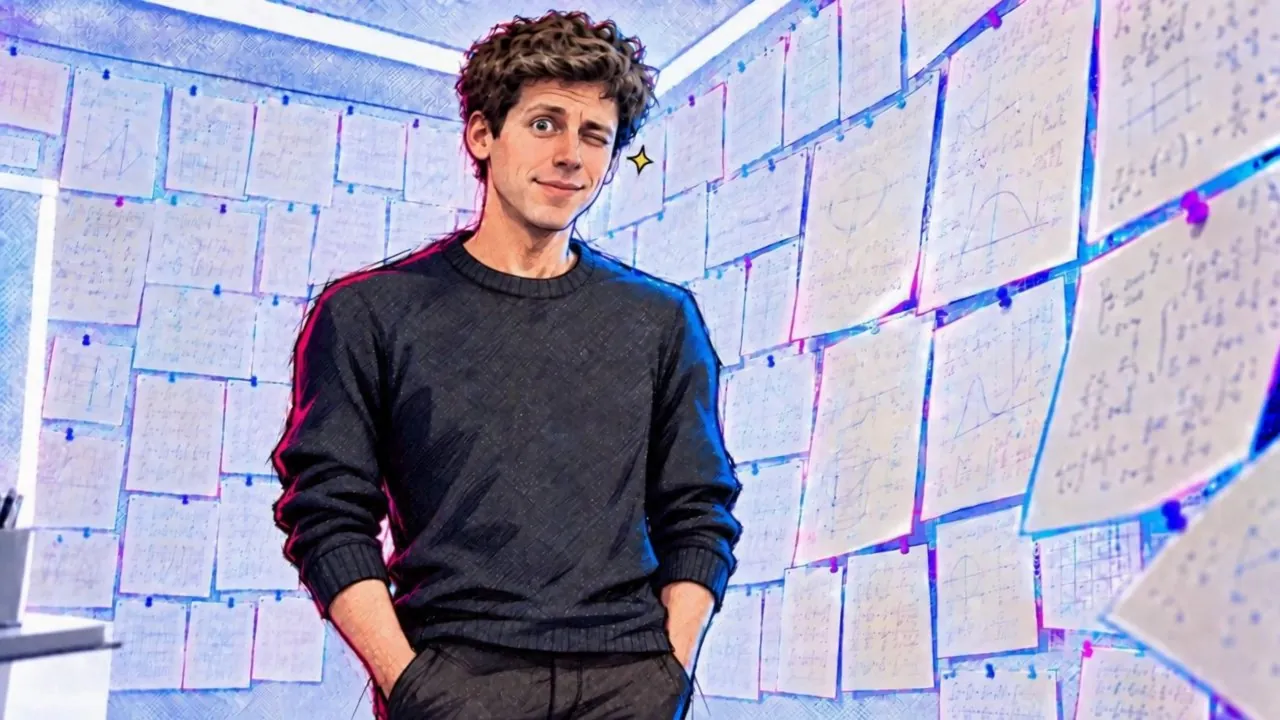
The end pose can leak into the start. Both of Sam Altman's takes opened mid-wink, the wink from the last frame, then blinked it away and played the scene. Start the shot after it clears. If his first word falls in those frames, let the audio start a beat before the picture so the line stays whole.
Part 3: Give props and screens their own references
A small object drifts faster than a face. Make the hero prop its own reference image and describe it once in the prompt. In a 15-second, six-city clip, one sealed envelope stayed identical through every handoff.
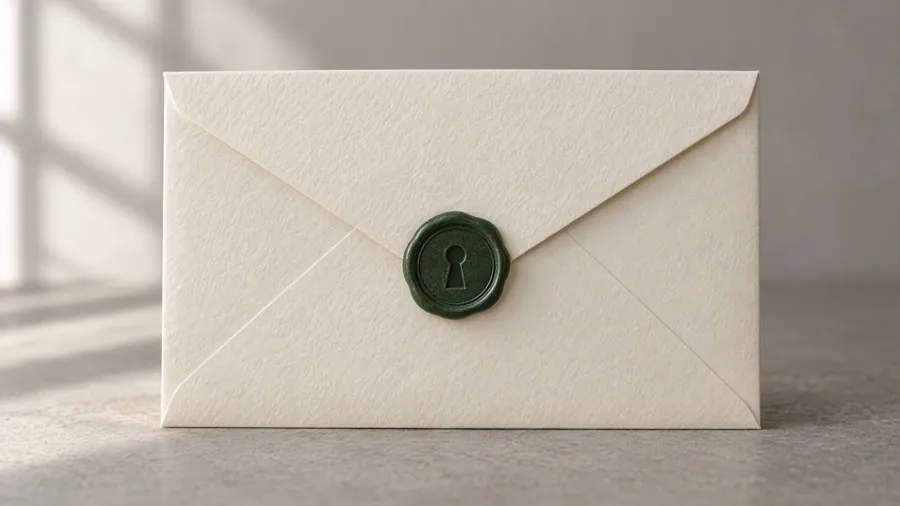
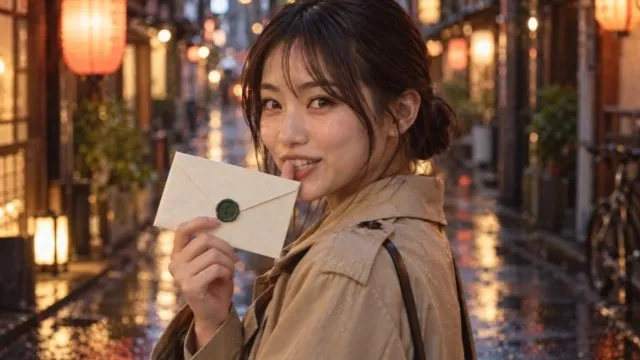
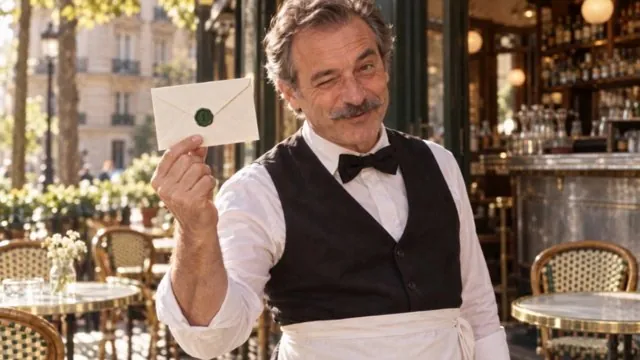
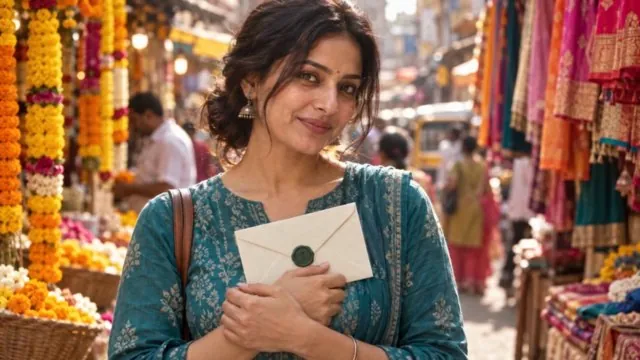
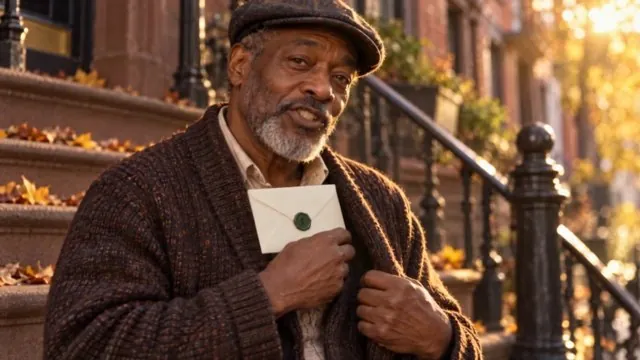
One generation, six scenes, the same envelope in every pair of hands.
Never trust the video model with readable text
Both renders of the noon shot redrew the TV as a generic presenter under a scrambled headline, even though the keyframe was right. The fix was in the edit: we pasted the real broadcast into the TV on every frame, so the wide shot matches the close-up that follows it.
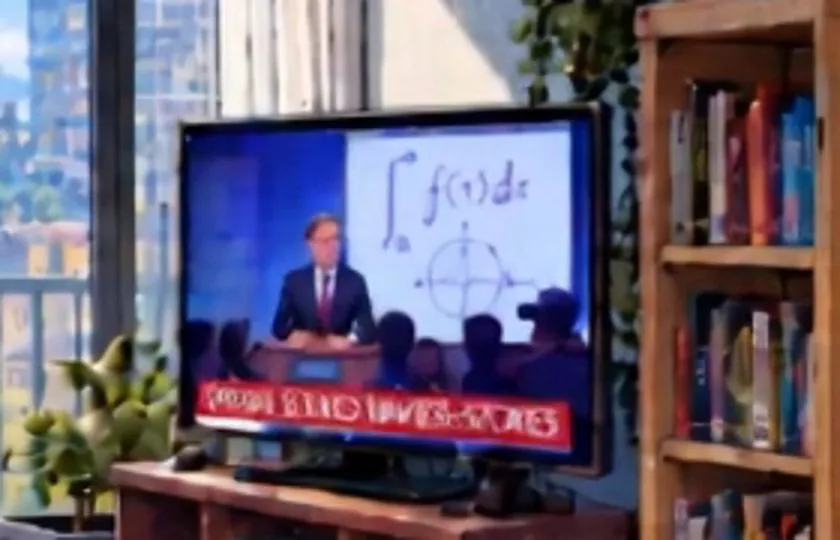
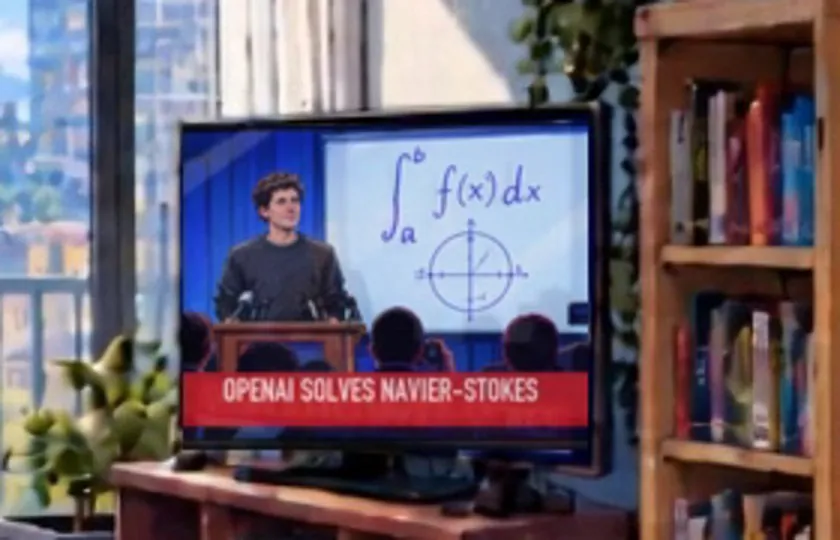
For any screen that tells the story, build it as an exact mock-up first, then have Image Studio redraw it in the film's style. The words survive the redraw. A late change, like swapping the user's name, is then a text-only edit of the same still.
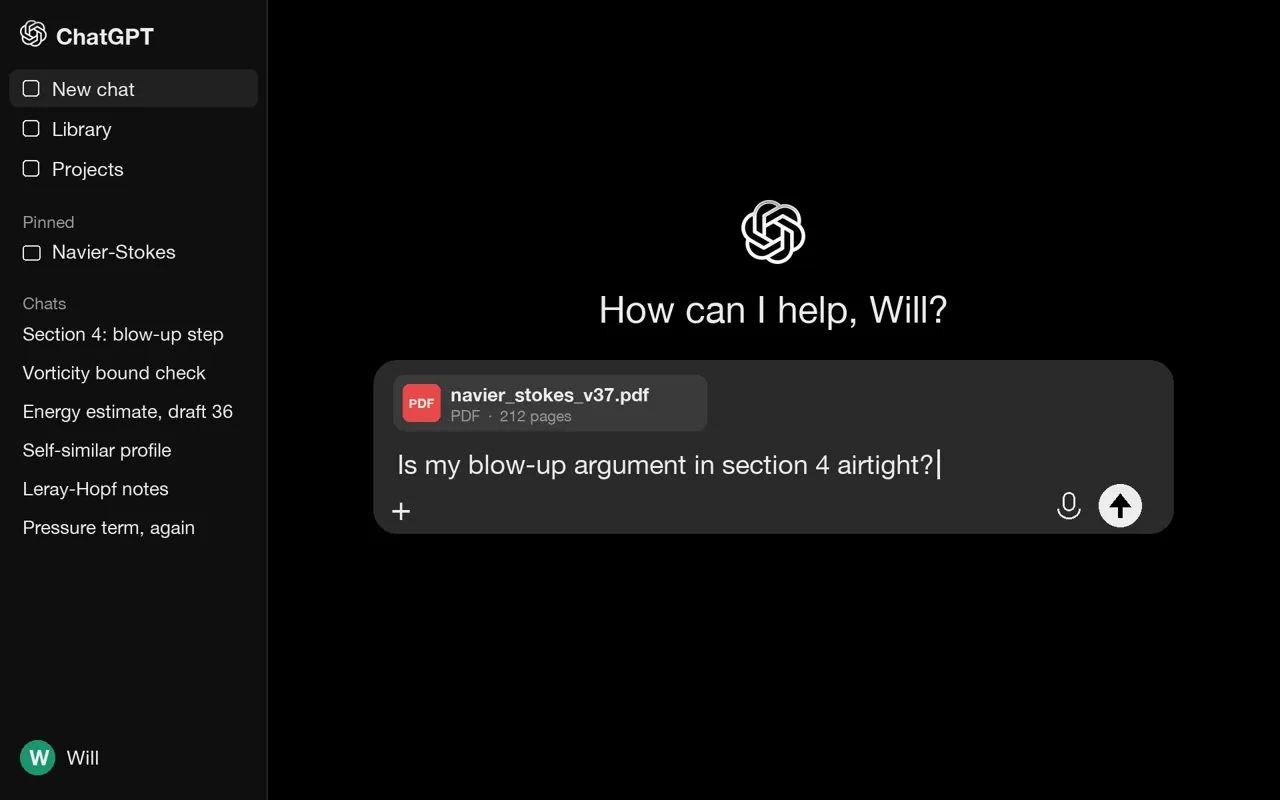
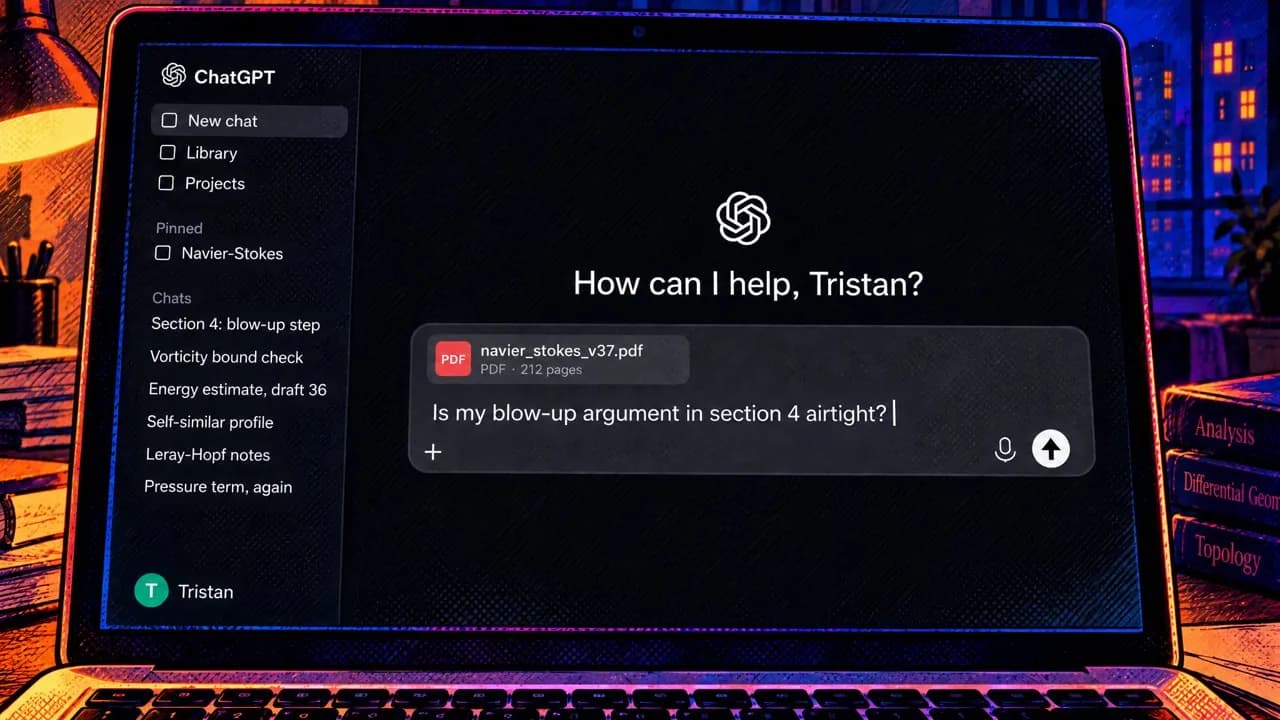
Redraw close-ups, don't zoom
A digital zoom into a 720p shot goes soft and looks like a different film. Redraw the crop as a new still in Image Studio instead.
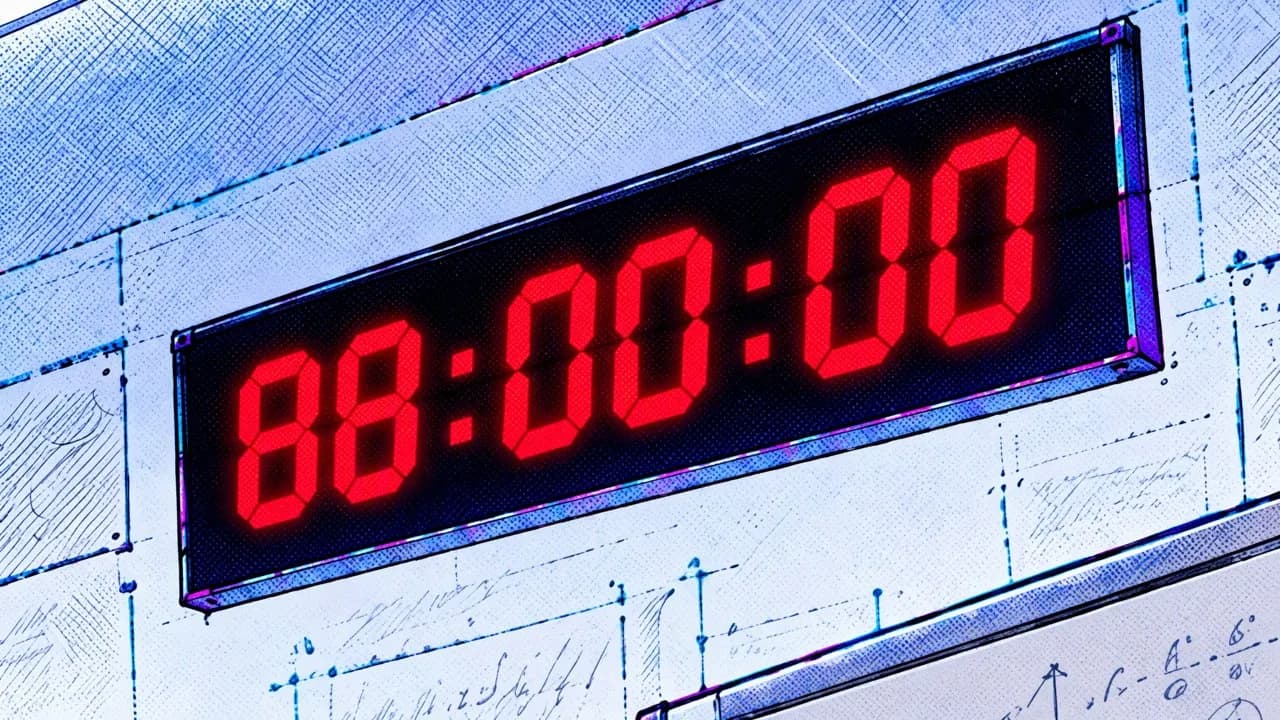
Part 4: Continuity is also sound
Most late notes on both films were about audio, and they were continuity problems too.
- One score for the whole film. Quiet scenes tend to come back with music under them, a different track every clip. Name the sounds you want ("the fridge hum and distant traffic") and list the ones you don't, then strip any leftover music in the edit and run one score underneath.
- In dialogue shots, keep only the voice. Two shots arrived with applause and stray music under the line. Keeping the separated voice, gated tightly to the words, makes six clips sound like one room.
- Fade every cut. A sound that starts right at an out-point pops. About 15 ms in and 50 ms out fixed it.
- Same voice, same words. There's no voice reference yet, so describe each
voice identically in every prompt, respell hard names inside the line
(
{An-thropic}), and transcribe every take. - Sync every impact. One take's chalk click landed a quarter-second before the chalk hit the floor. We kept the take where they matched.
Part 5: The edit holds it together
- Paste the same style line at the top of every prompt: linework, palette, light.
- Use one type system and one position grid for every caption and overlay, and keep them off faces and key screens.
- Cut on completed actions. A gesture stopped halfway reads as a mistake even when everything else matches.
- For late fixes, re-render only that shot and swap it in. Everything you don't touch can't drift.
What it looked like in the end
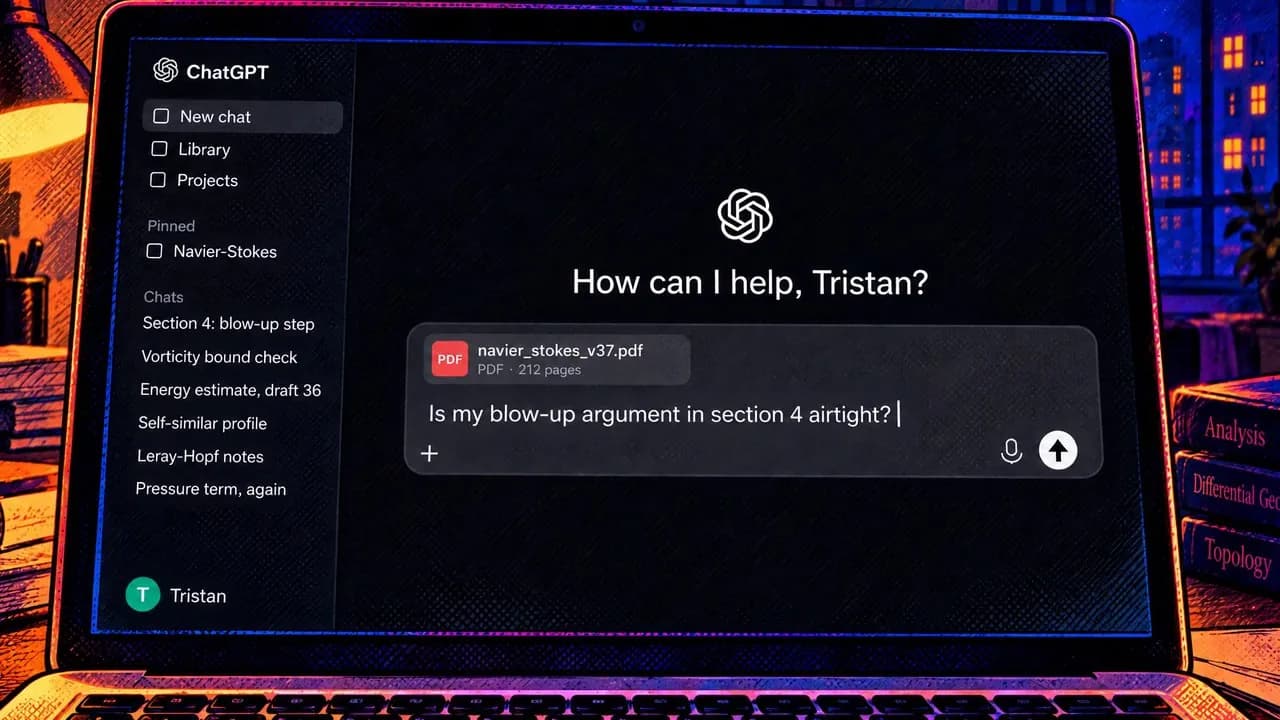
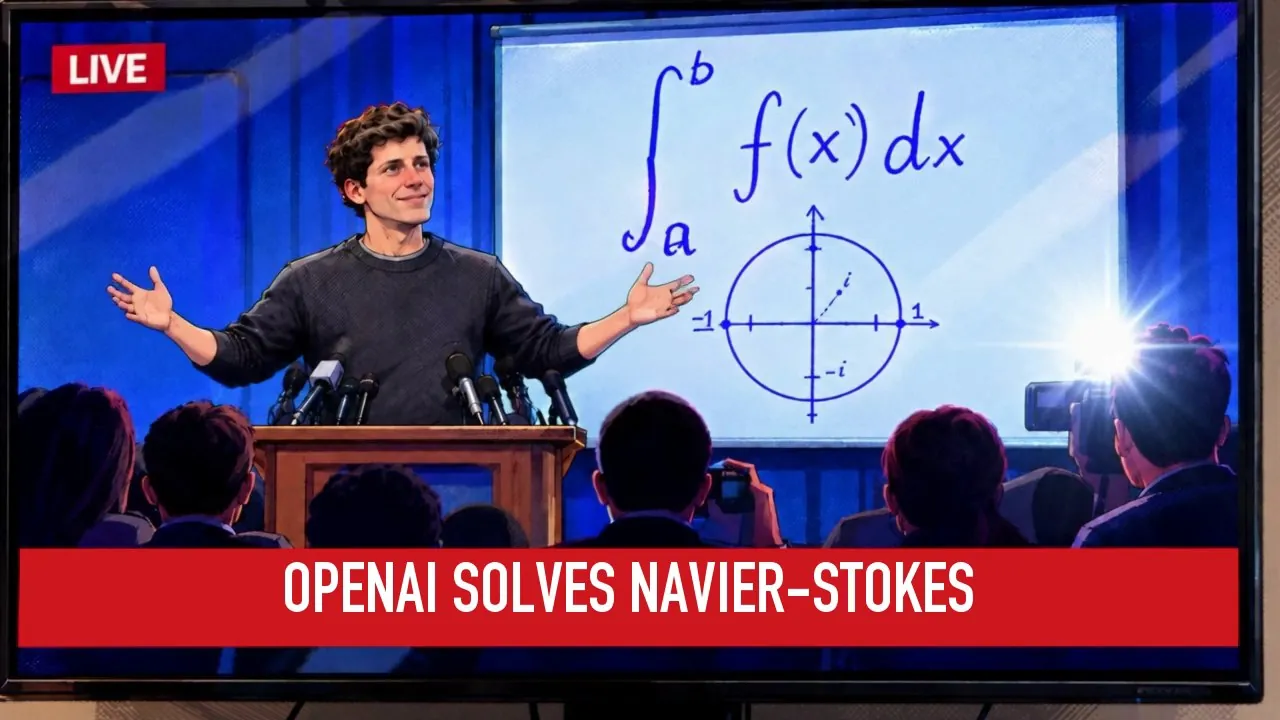
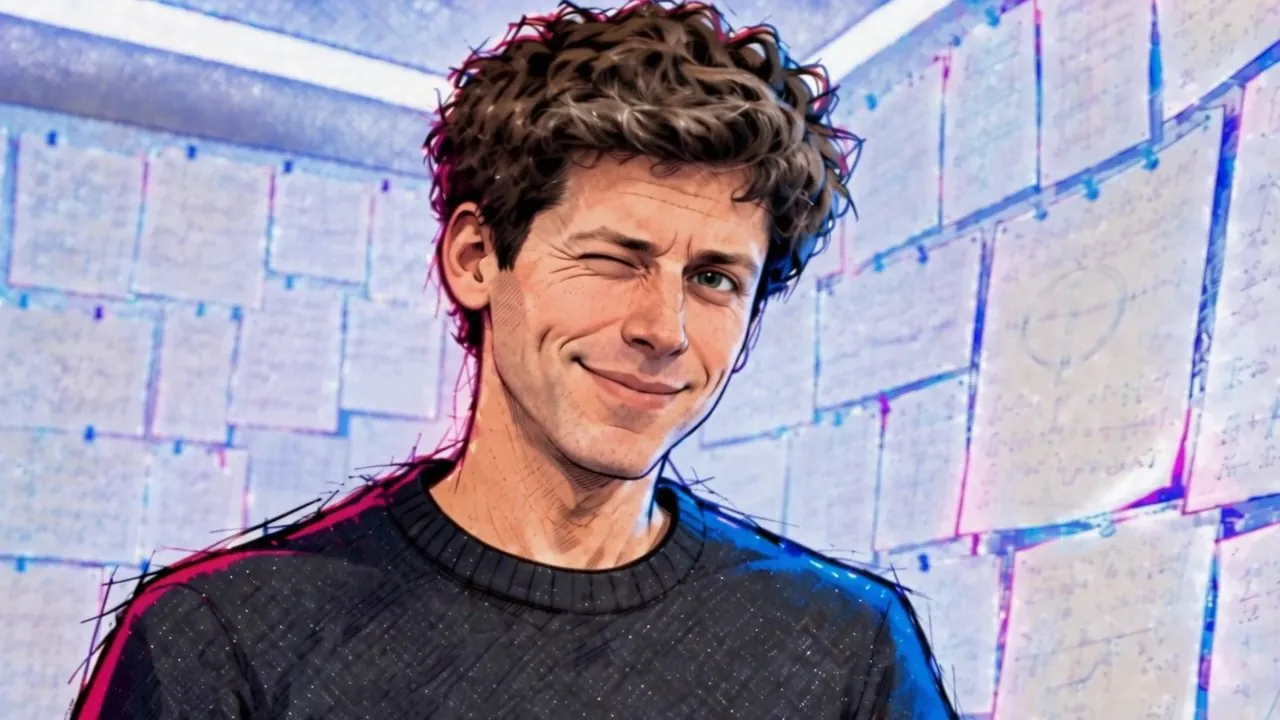
The Proof: one comic-book look, one Sam Altman, readable screens from the first shot to the wink.
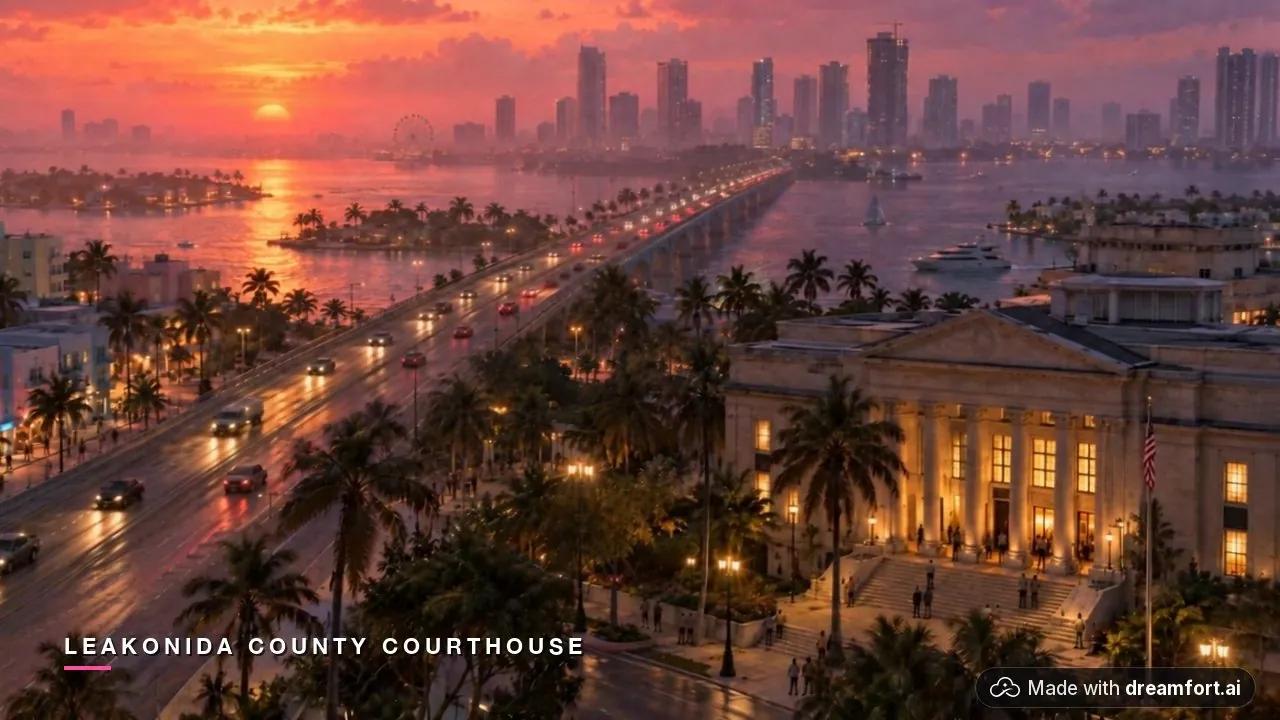
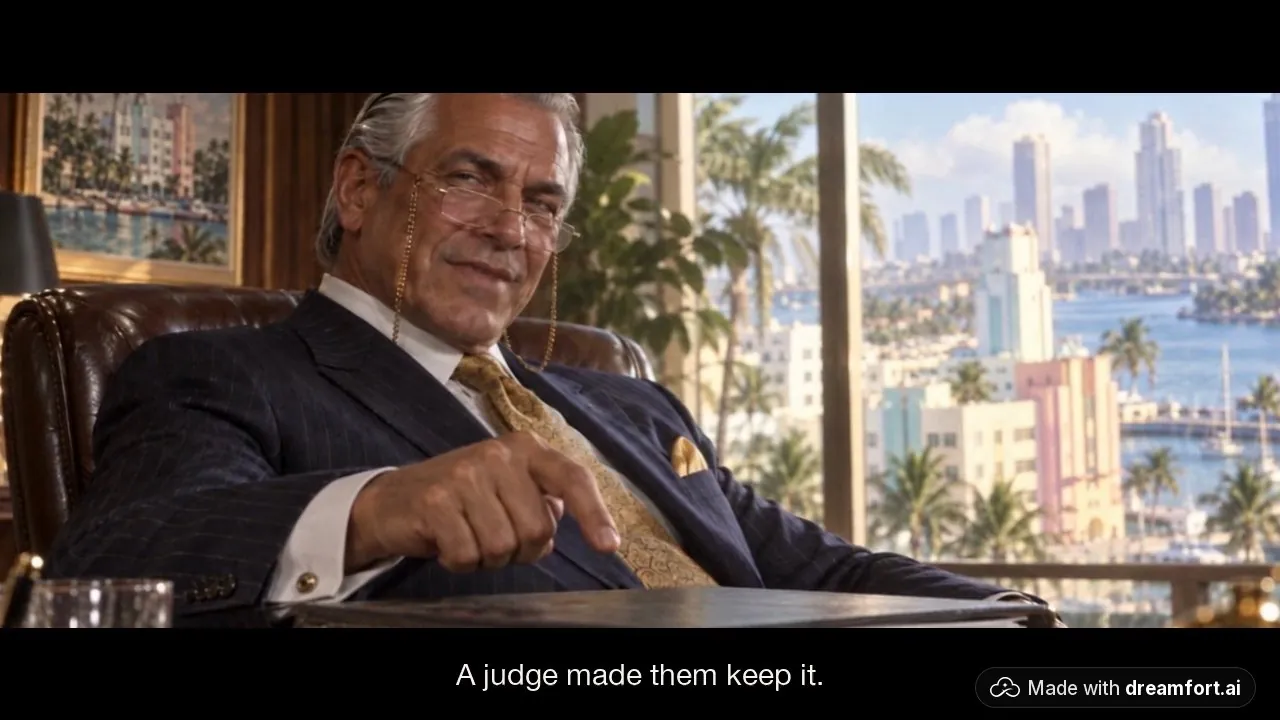
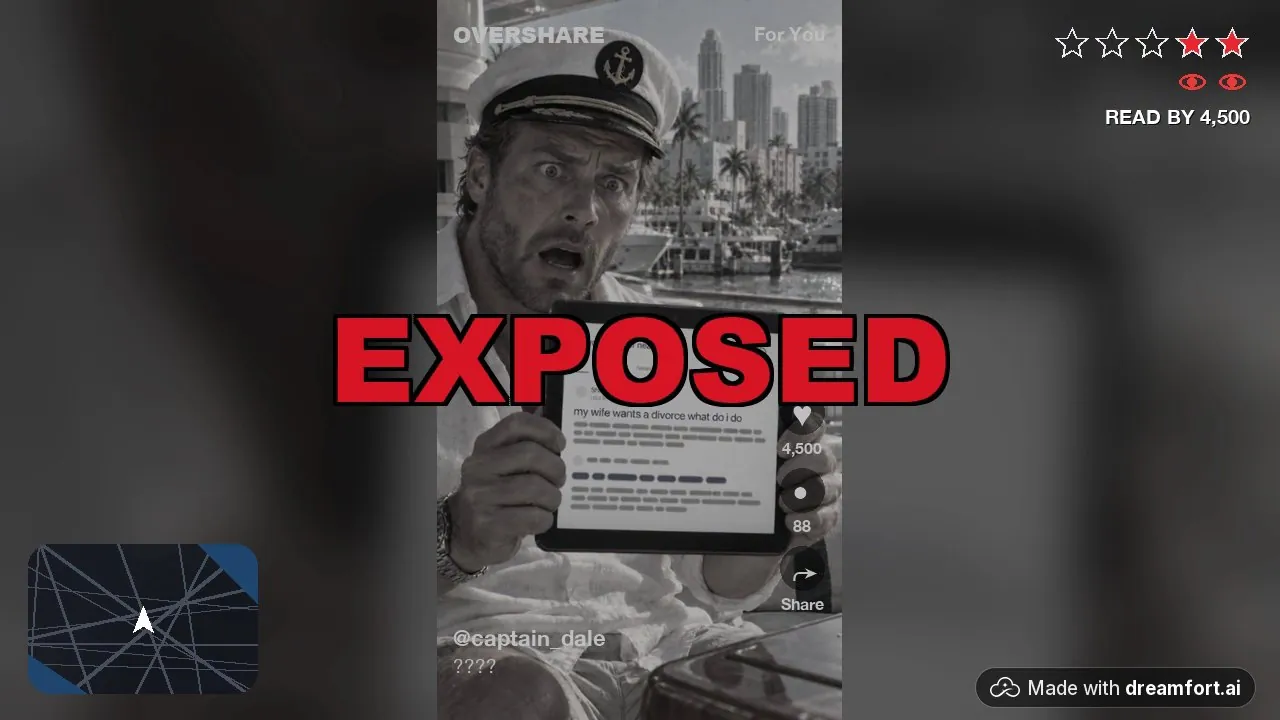
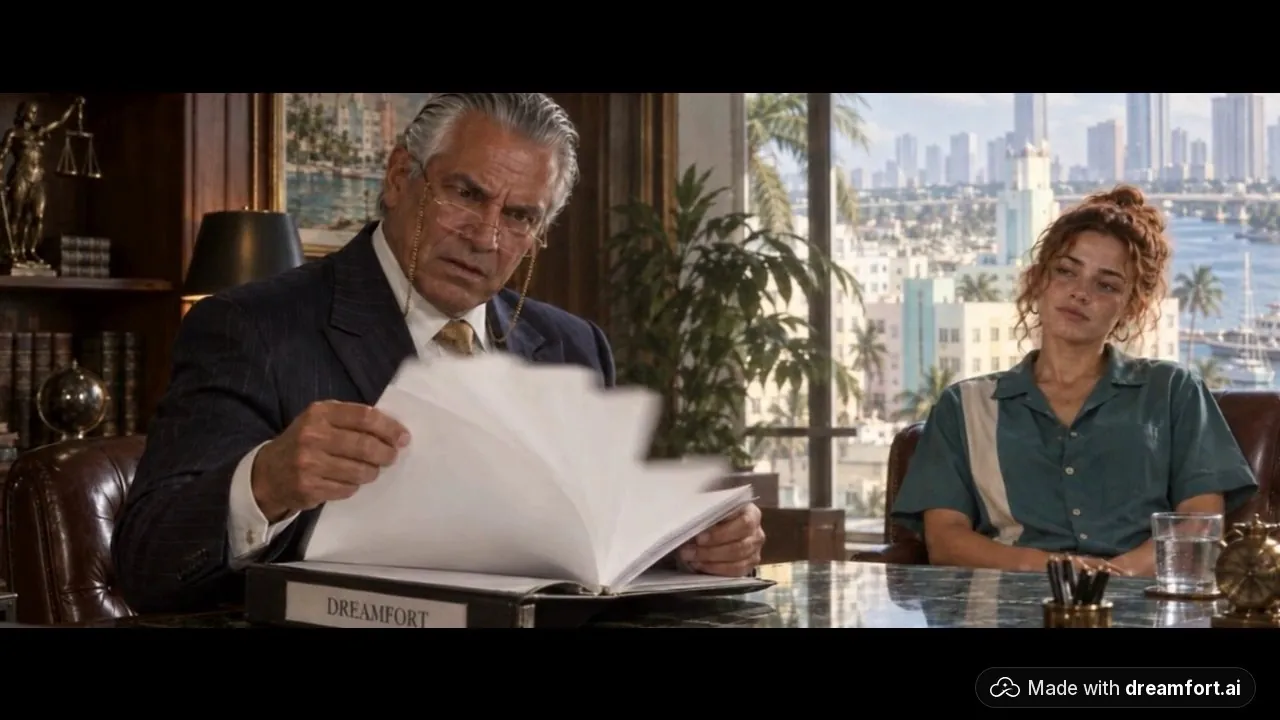
Grand Theft Autocomplete: the same lawyer, the same Rae, and the same overlay system across 87 seconds.
The continuity checklist
Before calling a cut done, watch it once for each of these:
- Same face, hair and wardrobe for each character in every shot.
- No end pose in the opening frames of any take.
- Props in the right state from shot to shot; every screen readable and correct.
- One score, no stray clip music, no pops at cuts.
- Every line transcribed and matching the script.
- Every impact in sync with its sound.
- No caption covering a face or a key screen.
Try making your own film on DreamFort.
Try Seedance 2.5 Unfiltered image to video Open the Image Studio
- video
- continuity
- guide
- seedance
- video studio
- image studio
 Questions or thoughts? Bring them to r/DreamfortThe team and other DreamFort users answer there.